Invoice processing automation: how it works
By Philipp Kant 3 min read
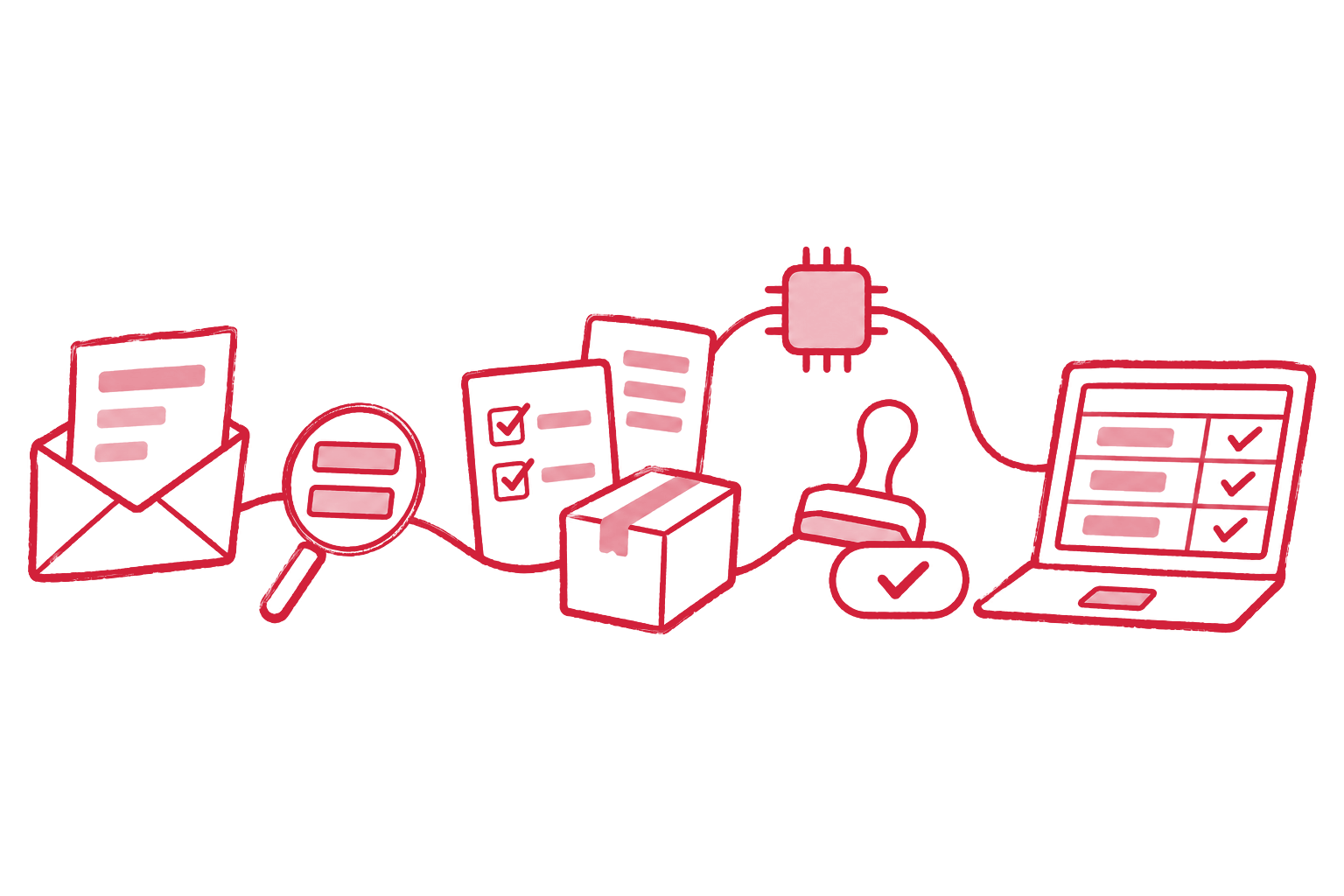
Invoice processing automation means supplier invoices travel from the inbox to accounting without retyping. A program picks them up, reads supplier, number, amounts, and line items, checks them against purchase order and delivery note, routes them for approval, and then hands them to accounting or the inventory system. A person only decides where something does not match or an amount crosses a limit.
The process in six steps
| Step | What happens | Who |
|---|---|---|
| 1. Collect | Invoices from the inbox, a supplier portal, or a scan | Agent |
| 2. Read | Supplier, number, date, due date, line items, tax | Agent, straight from the data for e-invoices |
| 3. Check | Duplicates, mandatory details, arithmetic, bank details | Agent |
| 4. Match | Against purchase order and goods receipt in the ERP | Agent |
| 5. Approve | Above an amount or when something deviates | Person |
| 6. Book | Into accounting or the inventory system, document attached | Agent through the interface |
E-invoice and PDF: two routes
Since 2025 every business in Germany must be able to receive e-invoices, and from 2028 everyone must issue them. An e-invoice in XRechnung or ZUGFeRD format brings its data along, which makes step two almost free. Until then, PDF and paper invoices keep arriving. There an AI agent reads the fields from the document, with a language model that also copes with unusual layouts. The deadlines are in e-invoicing in Germany.
What a person keeps
A good workflow does not automate everything, it automates the right things:
- Approval above an amount: from €1,000, say, the agent asks before booking.
- Deviations: a price different from the order, a quantity different from delivery, new bank details for a supplier.
- New suppliers: creating master data is a deliberate decision.
- Anything the agent cannot read with certainty: it hands it over instead of guessing.
New bank details are a classic sign of fraud with fake invoices. That check belongs firmly in the workflow, not in the hope that someone notices.
What to build it with
| Your situation | Route |
|---|---|
| Accounting in Lexware Office or sevDesk, few invoices | The software’s receipt capture, plus the API for booking |
| DATEV with a tax adviser | Documents through DATEV Unternehmen online, pre-coding by the agent |
| Inventory system with an interface | Agent matching against orders, booking through the API |
| Old inventory system without an interface | Agent operating the screen like a person |
| Many invoices, several entities | A dedicated workflow with approval rules and a log |
Which accounting tools have an interface is in Lexware Office vs sevDesk. How an agent types an emailed invoice into an inventory system without an interface and asks before booking above €1,000 is shown in the live demo on our home page.
What it costs and what it brings
Cost depends on the number of systems and special cases. With us, invoice intake as a fixed workflow falls under business process automation with AI, at a fixed price. Whether it pays off is a simple calculation: minutes per invoice times invoices a month times hourly rate. How an agent pre-sorts an inbox is shown in the free AI inbox triage demo.
FAQ
Can AI read invoices reliably? Current language models read the fields of common invoices very reliably. What decides is the workflow around them: checks, matching, and an approval for everything that doesn’t fit.
Do I need a new system? No. The agent works with your inbox, your accounting, and your inventory system, through interfaces or, where there are none, through the user interface.
What about GoBD (German bookkeeping rules)? Documents must be archived unalterably and booked traceably. The agent attaches the original invoice to every booking and logs every step.
How do I start? With the invoices of one supplier who sends many, and a fixed approval limit. Once that runs cleanly for a month, add the next.
Ask an AI about this post
