Lexware Office vs sevDesk compared
By Philipp Kant 3 min read
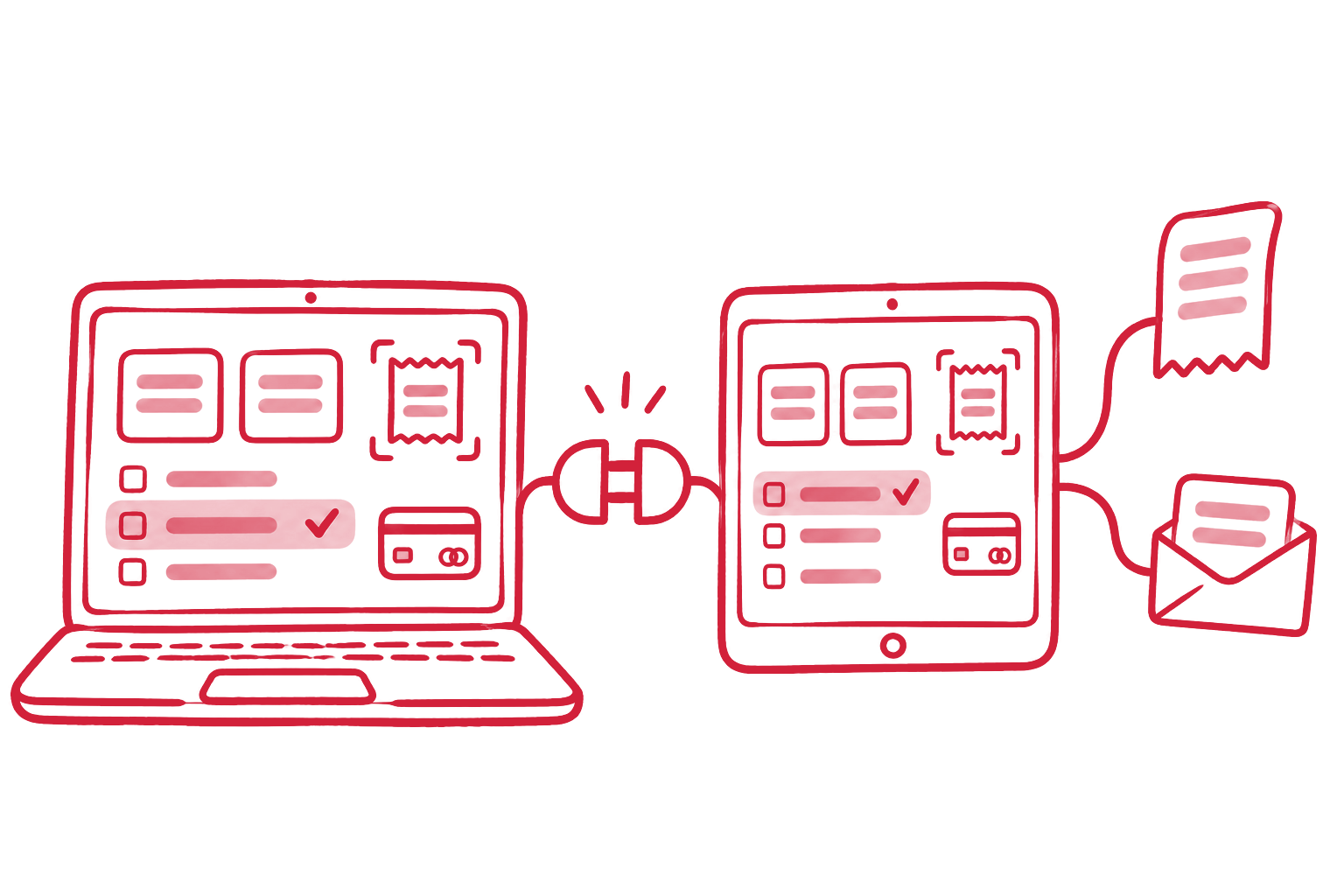
Lexware Office and sevDesk are two of the most widely used programs for invoicing and bookkeeping among freelancers and small companies in Germany. Both run in the browser, write quotes and e-invoices, capture receipts, match bank transactions, and send the VAT return to the tax office. Lexware Office was called lexoffice until its rename and belongs to Lexware; sevDesk comes from Offenburg.
Prices as of November 9, 2026, from the vendors’ pricing pages, net. Both show promotional prices; the table lists regular prices.
The comparison at a glance
| Criterion | Lexware Office | sevDesk |
|---|---|---|
| Free | 30-day trial with all features | Free plan, 3 invoices a month |
| Receipts only | S, €7.90 | Not a separate plan |
| Invoicing | M, €12.90 | Invoice, €9.90 (yearly) to €11.90 (monthly) |
| Bookkeeping | L, €21.90 | Bookkeeping, €22.90 to €25.90 |
| With API | XL, €32.90 | Bookkeeping Pro, €30.90 to €34.90 |
| Promotion | 50% off for 3 months | Promotional prices from €4.45 |
| Receipt capture | From S | With AI from Bookkeeping |
| Bank connection | Multibanking with payment matching | From Bookkeeping, 4,000+ banks |
| DATEV | Through a partner integration | Interface from Invoice |
| Payroll | Add-on, €12.90 | Not compared |
| Term | Cancel monthly | Monthly, yearly, or two years |
Lexware Office: clear tiers, payroll as an add-on
Lexware Office orders its plans by task: S for receipt capture and archive, M for quotes, e-invoices, and dunning, L for bookkeeping, cash-basis accounting, and VAT, XL for EU and down-payment invoices and the API. Payroll is an add-on, staggered by employees. All plans can be cancelled monthly; there is no free plan.
sevDesk: a free start, cheaper with longer terms
sevDesk starts with a free plan for three invoices a month, e-invoices included. Invoice, Bookkeeping, and Bookkeeping Pro cost less the longer the term: billed yearly or every two years is cheaper than monthly. AI receipt capture and the bank connection start at Bookkeeping, the REST API and cost centers at Bookkeeping Pro. Each plan has one user; more cost €5.90 a month.
Which program when
| Your situation | Recommendation |
|---|---|
| A few invoices a month, no budget | sevDesk Free |
| Just collect receipts, the tax adviser books | Lexware Office S |
| Invoicing and bookkeeping yourself | Lexware Office L or sevDesk Bookkeeping |
| Employees with payroll | Lexware Office with payroll |
| Automate processes, connect other systems | Lexware Office XL or sevDesk Bookkeeping Pro, for the API |
| Long term, lowest monthly price | sevDesk with a two-year term |
The API decides automation
To book shop invoices, POS end-of-day reports, or supplier invoices from the inbox automatically, you need the interface: in Lexware Office it is in XL, in sevDesk in Bookkeeping Pro. Through it, an AI agent can create receipts, prepare bookings, and match payments, instead of someone typing.
How an agent books a POS end of day into accounting and hands a cash difference over for review instead of writing it off is shown in the live demo on our home page. For business process automation with AI, we deliver the connection to Lexware Office, sevDesk, or DATEV at a fixed price. Which processes pay off is shown by the free AI potential check.
Related: e-invoicing in Germany and invoice processing automation.
FAQ
Is lexoffice the same as Lexware Office? Yes. lexoffice is now called Lexware Office; features and access stayed the same.
Is there a free version of sevDesk or Lexware Office? sevDesk has a free plan with three invoices a month. Lexware Office offers a free 30-day trial with all features.
Which program is cheaper? For bookkeeping both are close, about €22 to €26 a month. sevDesk gets cheaper with longer terms, and both give discounts for the first months.
Can my tax adviser work with both? Yes. sevDesk has a DATEV interface from the Invoice plan, and Lexware Office connects DATEV through a partner integration. Ask your adviser which route they prefer.
Ask an AI about this post
