How to build an AI agent: 5 ways compared
By Philipp Kant 4 min read
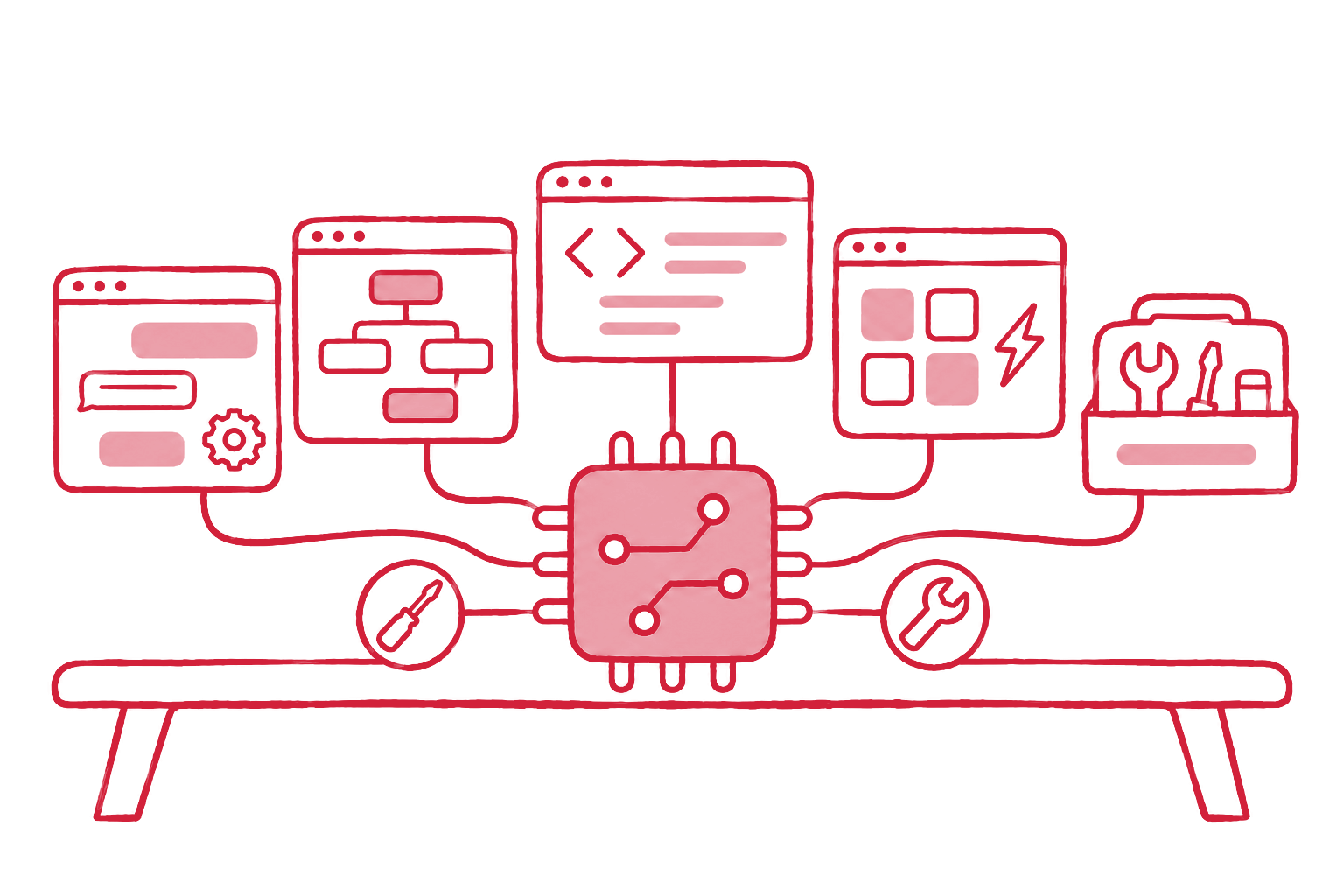
Building an AI agent means giving a language model tools, such as a search, a database, or an ERP interface, handing it a task and rules, and letting it work in a loop until the task is done. There are five ways to do it, from the assistant in your browser to your own code.
Which fits depends on one question: should the agent only read and make suggestions, or should it write into your systems?
The 5 ways at a glance
| Way | Effort | Cost | Can write into your systems | For |
|---|---|---|---|---|
| In a chat assistant (GPTs, Claude projects, Gems) | An hour | Included in the subscription | Barely | Personal helpers |
| Copilot Studio | Days | $200 for 25,000 credits or $0.01 per credit | Yes, through connectors | Companies on Microsoft 365 |
| n8n | Days | Self-hosted €0, cloud from €20 | Yes, through nodes and APIs | Workflows across many systems |
| Your own code with an agent SDK | Weeks | Development plus model usage | Yes, with full control | Core processes |
| Have it built | Weeks | Fixed price | Yes | Companies without developers |
1. In a chat assistant: the fastest start
In ChatGPT they are called GPTs, in Claude projects and skills, in Gemini Gems: an assistant with fixed instructions, its own files, and sometimes a connection to other services. In an hour you have a helper that writes quotes from your template or answers questions from your manual.
The limit: it works for the person using it, in the chat. It does not write reliably into your inventory system or CRM, and rules like “book only after approval” cannot be enforced.
2. Copilot Studio: agents in Microsoft 365
Copilot Studio is Microsoft’s tool for building agents for Teams, Outlook, and your website, with connectors to SharePoint, Dynamics, and many other services. The user license for building costs nothing; usage is billed in Copilot Credits: a pack of 25,000 credits for $200 a month, or $0.01 per credit pay-as-you-go.
Copilot Studio fits when your data lives in Microsoft 365 and IT is at home there anyway.
3. n8n: agents inside workflows
n8n has an agent node: pick a model, attach tools, set up memory. The tools are other steps in the workflow, such as a query in the ERP or an entry in the CRM. Self-hosted, n8n has no license fee; in the cloud from €20 a month. How n8n compares with Make, Zapier, and Power Automate is in n8n vs Make vs Zapier for AI agents and Power Automate vs n8n.
4. Your own code: full control
With Anthropic’s and OpenAI’s agent SDKs, or your own loop around a model’s API, developers build agents that may do exactly what they should: read in the ERP yes, write only through a checked path, book only after approval, every step logged. Tools can be connected through MCP, see MCP vs API.
This is the route for agents at the core of a business process, where a mistake costs money or customers. The shell around the model is called the harness; what it has to do is in what is an agent harness?.
5. Have it built
If you have no developers of your own or need the agent running fast, have it built. With us that is a fixed price from €4.5k, in production in 2 to 10 weeks, connected to ERP, PIM, or CRM, with approvals and a log. What agents cost is covered in detail in what does an AI agent cost?. What to check before hiring anyone is in AI agency or freelancer?.
Which way when
| Your situation | Way |
|---|---|
| A personal helper for writing and questions | Chat assistant |
| Company works on Microsoft 365, IT builds itself | Copilot Studio |
| A workflow across several systems, the team knows n8n | n8n |
| The agent should book, order, or change master data | Your own code or have it built |
| No developers, results in weeks | Have it built |
Five steps to your first agent
- Pick the task: one someone does by hand today, copying from an email into a system. Not the hardest, the most frequent.
- Define the tools: which systems the agent may read and which it may write to.
- Set the limits: what it may do without asking, what only after approval.
- Test with real cases: twenty examples from everyday work, including the odd ones.
- Read the log: check every run in the first weeks and sharpen the rules.
A checklist for the start is in the AI agent project checklist. How an agent works through an inbox is shown in the free AI inbox triage demo. We build AI agents for business at a fixed price.
Related: what is an MCP server?.
FAQ
Can I build an AI agent for free? Yes, with self-hosted n8n or as a GPT within an existing subscription. You then pay for model usage and operations.
Do I need programming skills? Not for chat assistants and Copilot Studio, a little for n8n. An agent that writes reliably into ERP or CRM takes development.
Which model should I use? For most tasks the major models from Anthropic, OpenAI, or Google are enough. Tools, rules, and tests matter more than the model.
How long does it take to build an agent? A simple helper takes an hour, an agent in n8n or Copilot Studio a few days, an agent in a core process with integrations and approvals two to ten weeks.
Ask an AI about this post
