Power Automate vs n8n: cost and limits
By Philipp Kant 4 min read
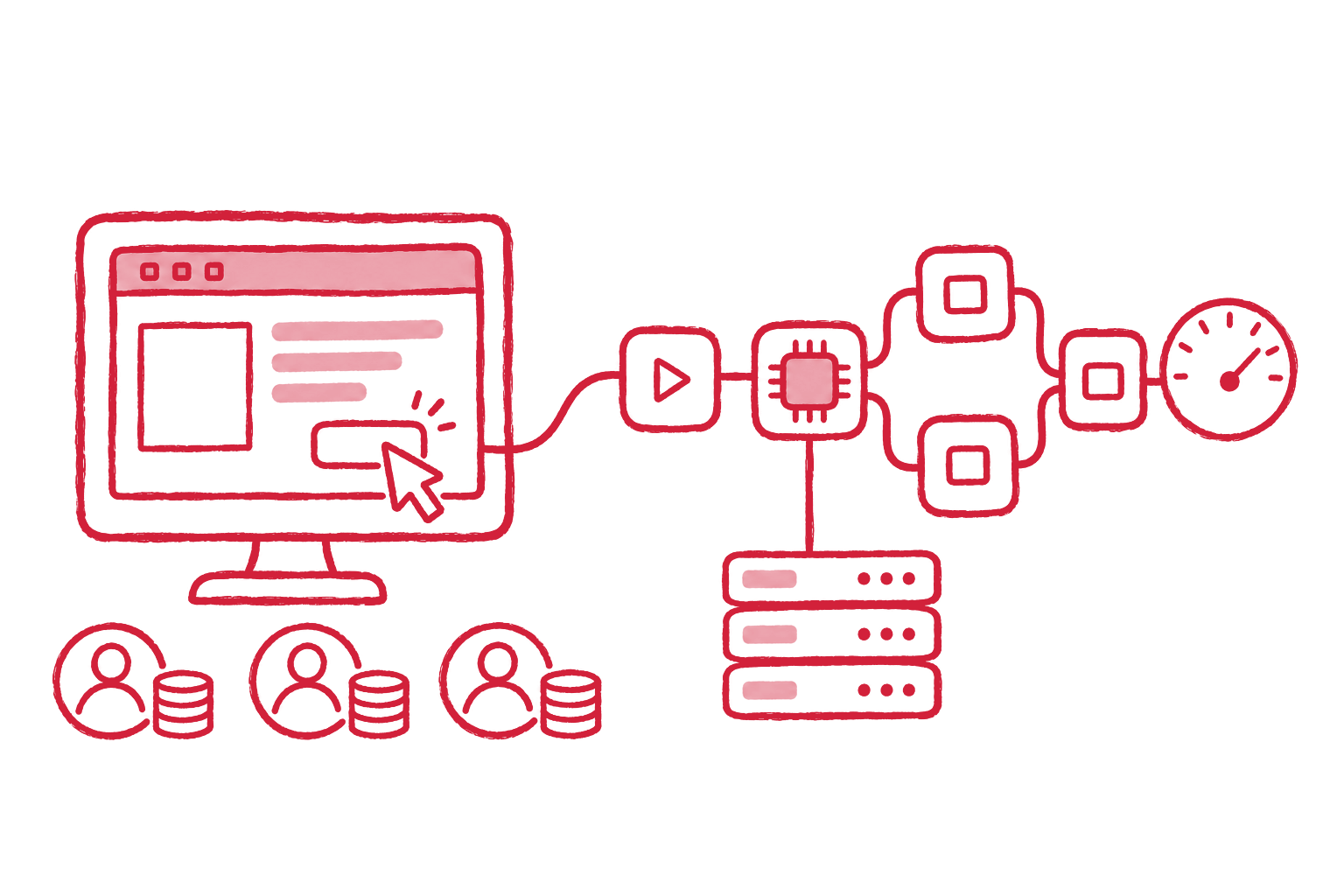
Power Automate and n8n are workflow automation platforms: both connect applications through ready-made building blocks and run processes on their own. Power Automate is Microsoft’s tool, tightly woven into Microsoft 365. n8n is a platform from Berlin that runs on your own servers and bills per run instead of per user.
Prices as of November 9, 2026, from the vendors’ pricing pages. Microsoft’s prices apply to yearly billing, in US dollars.
The comparison at a glance
| Criterion | Power Automate | n8n |
|---|---|---|
| Vendor | Microsoft | n8n, Berlin |
| Billing | Per user or bot | Per run, however many steps |
| Entry | Premium $15 per user a month | Starter €20 a month, 2,500 runs |
| Unattended runs | Process $150 per bot, hosted $215 | On every plan |
| Self-host | No | Yes, Community Edition without a license fee |
| Desktop programs (RPA) | Yes, desktop flows | No, only through interfaces |
| Strength | Outlook, SharePoint, Teams, Excel | Integrations outside Microsoft, your own code |
| AI agents | Through Copilot Studio and agents in Microsoft 365 | Agent node with tools, memory, any model |
What each costs
Billing is the biggest difference. With Power Automate, every user who builds or starts flows pays: Premium costs $15 per user a month and includes cloud flows and desktop flows on the user’s machine. For a flow to run unattended on a server, add Process at $150 per bot, or $215 with a Microsoft-hosted virtual machine.
n8n counts runs. Starter costs €20 a month billed yearly for 2,500 runs, Pro €50 for 10,000, however many users build workflows. Self-hosted there is no license fee, only the server.
A worked example: ten employees use workflows that run 5,000 times a month in total. With Power Automate Premium that is $150 a month, $300 with one unattended bot. With n8n Pro it is €50, or server costs when self-hosted.
Where Power Automate is stronger
Power Automate is at home in Microsoft 365: a flow that starts when an email arrives in Outlook, a file lands in SharePoint, or someone presses a button in Teams takes minutes to build. Permissions come from Microsoft 365, administration from the Power Platform.
The second advantage is desktop flows: Power Automate can operate old Windows programs without an interface, clicking and typing like a person. That is RPA, and n8n cannot do it.
Where n8n is stronger
n8n connects systems outside Microsoft directly: HubSpot, Pipedrive, databases, and through HTTP any interface, such as Shopware’s or JTL’s. Any step can run your own code, in JavaScript or Python. Because n8n can be self-hosted, data and logs stay inside your network.
For AI agents, n8n has an agent node with tools and memory that works with every major model, including Claude or a model on your own servers.
Which one when
| Your situation | Recommendation |
|---|---|
| Workflows revolve around Outlook, SharePoint, Teams | Power Automate |
| Old desktop programs without an interface | Power Automate with desktop flows |
| Many systems outside Microsoft | n8n |
| Many users, high volume | n8n, billing per run |
| Data must not leave your own network | n8n, self-hosted |
| AI agent with your own model and code | n8n or your own code |
The two don’t exclude each other: many companies let Power Automate handle the Microsoft workflows and n8n the rest. The comparison with Make and Zapier is in n8n vs Make vs Zapier for AI agents, more alternatives in Zapier alternatives for GDPR.
When neither is enough
When an agent touches money, customers, or master data, it needs approvals as a hard rule, its own permissions per tool, tests, and a log. For that we build the harness in code and use the platform as the backbone. What that means is in what is an agent harness?; when RPA or an agent is the better choice, in AI agent, RPA, or workflow.
Which workflows pay off for you is what the free AI potential check shows. For business process automation with AI, we deliver the right platform with an agent at a fixed price.
FAQ
Is n8n cheaper than Power Automate? With many users and many runs, almost always, because n8n bills per run, not per user. For a few users with Microsoft 365 workflows, Power Automate can be cheaper.
Can n8n connect to Microsoft 365? Yes, n8n has nodes for Outlook, Teams, SharePoint, and Excel. The integration is not as tight as Power Automate’s, though.
Can n8n operate desktop programs? No. Without an interface you need RPA, such as Power Automate’s desktop flows, or an agent that operates the screen.
Is Power Automate included in Microsoft 365? Microsoft lists Premium as a separate license at $15 per user a month. Check your own plan for which flows work without Premium.
Ask an AI about this post
