AI agent, RPA, or workflow: which fits when
By Philipp Kant 4 min read
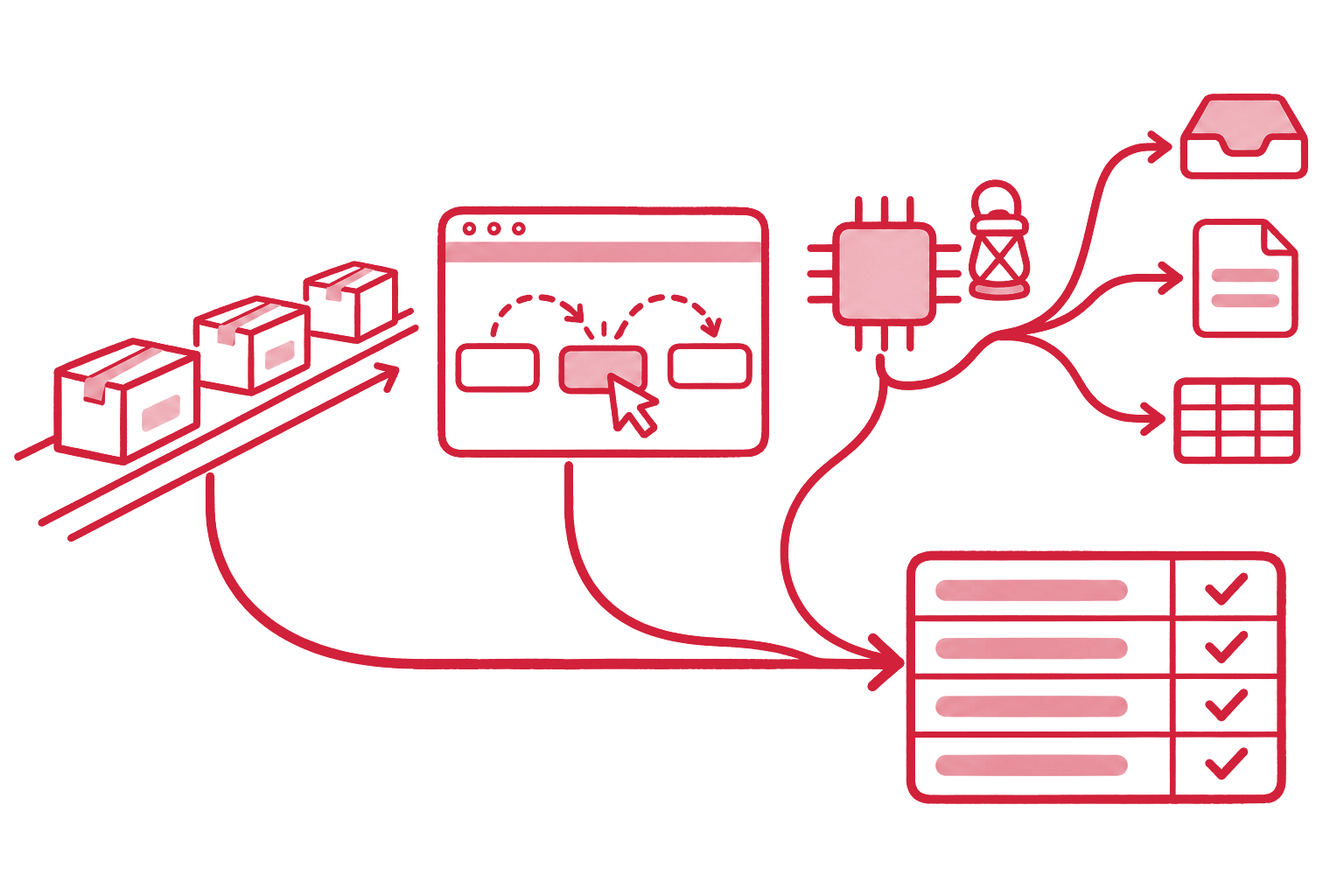
An AI agent is a program in which a language model decides for itself which tools to use, in which order, until a task is done. RPA (robotic process automation) replays a person’s fixed click sequences in a user interface. Workflow automation connects systems over interfaces in fixed steps. All three automate work, but they fail in very different places.
The three compared
| Workflow automation | RPA | AI agent | |
|---|---|---|---|
| Works through | APIs, webhooks, databases | The UI, like a person | Tools: APIs, MCP, search, files |
| Flow | Fixed | Recorded and fixed | Chosen by the model, within limits |
| Inputs | Structured | Structured, same layout | Unstructured too: emails, PDFs, free text |
| Breaks when | A field is missing or renamed | A button moves or a new dialog appears | Context is missing or rules are unclear |
| Cost per run | Very low | Low, maintenance is expensive | Higher: model calls per step |
| Traceable | Fully | Fully | Only with logging and checks |
| Typical tools | n8n, Make, Zapier, Power Automate, custom code | UiPath, Automation Anywhere, Power Automate Desktop | Claude, GPT, or Gemini inside a harness |
When a workflow is enough
A workflow is right when every run looks the same. A new shop customer is created in the CRM. A paid invoice sets the status in the ERP. A form becomes a support ticket. The data is structured, the rule is fixed, an interface exists.
Here an agent is the costlier and worse choice: it rethinks on every run what a workflow decides once. Anthropic’s guide Building effective agents recommends the same: the simplest solution first, agents only when the task needs flexibility.
When RPA is still the answer
RPA is worth it in one place: a system without an interface. An old inventory system, a supplier portal, a line-of-business app with no API. There the bot clicks what a person would click.
The price is maintenance. Every UI update can break the bot. Where there is an API, or by now an MCP server, it is almost always the steadier route (see MCP or API). The large RPA vendors are building AI agents into their own products for that reason.
When an AI agent makes the difference
An agent pays off where the input is unpredictable and a person used to make the call:
- Varied documents: orders as PDFs, each in a different customer’s layout.
- Free text: emails that hold an order, a complaint, and a question at once.
- Mismatches: invoice and purchase order disagree, and someone has to find out why.
- Missing values: an item has no weight in the PIM, but the manufacturer’s data sheet states it.
Gartner expects more than 40 percent of agentic AI projects to be canceled by the end of 2027, over costs, unclear value, or missing risk controls (Gartner, June 2025). The most common cause we see: an agent is asked to run a whole process when only two steps in it need judgment.
How the three work together
Most real processes have a fixed backbone and a few unclear spots. One example, order entry:
- Workflow: an email arrives in the inbox and starts the run.
- Agent: reads the email and the PDF, recognizes customer, items, and quantities, even in an unfamiliar layout.
- Workflow: checks item numbers against the PIM and prices against the ERP, by fixed rules.
- Agent: resolves what does not match: an old item number, a quantity in the wrong unit. What it cannot resolve with confidence goes to a person, with the source.
- Workflow: creates the order in the ERP over the API.
- RPA: only if the supplier portal has no interface.
The agent works only where it beats a rule. The rest stays fast, cheap, and testable. More examples of this kind are in 12 jobs for AI agents in ERP, PIM, and CRM.
How to pick the technique
Three questions for each step in the process:
- Does the input look the same every time? Yes: workflow. No: agent.
- Is there an interface? Yes: API or MCP. No: RPA, or better, create the interface.
- May a mistake take effect directly? No: a check and a person’s approval, whatever the technique.
FAQ
Will AI agents replace RPA? Largely, yes, but not by clicking. Agents work through APIs and MCP servers, which most systems have today. RPA stays for systems without an interface.
Are AI agents reliable enough for business processes? For the steps that need judgment, yes, if the harness checks their work and hands uncertain cases to people. Fixed steps do not belong in an agent. What a harness is: What is an agent harness?.
What does an agent cost compared to a workflow? More per run, because each step costs model calls. That is why only the steps with unclear input belong in the agent. A run then usually costs cents.
Can we build agents with n8n or Make? Yes, both have agent building blocks, and for simple cases that is enough. For processes with approvals, logging, and their own permission model we usually build the harness in code and let the workflow platform be the backbone.
How an agent sorts a real email and when it hands over to a person shows in the free AI Inbox Triage. The right mix of workflow and agent for your processes is what we build, at a fixed price, for business process automation with AI.
Ask an AI about this post
