15 AI automation examples for small businesses
By Philipp Kant 6 min read
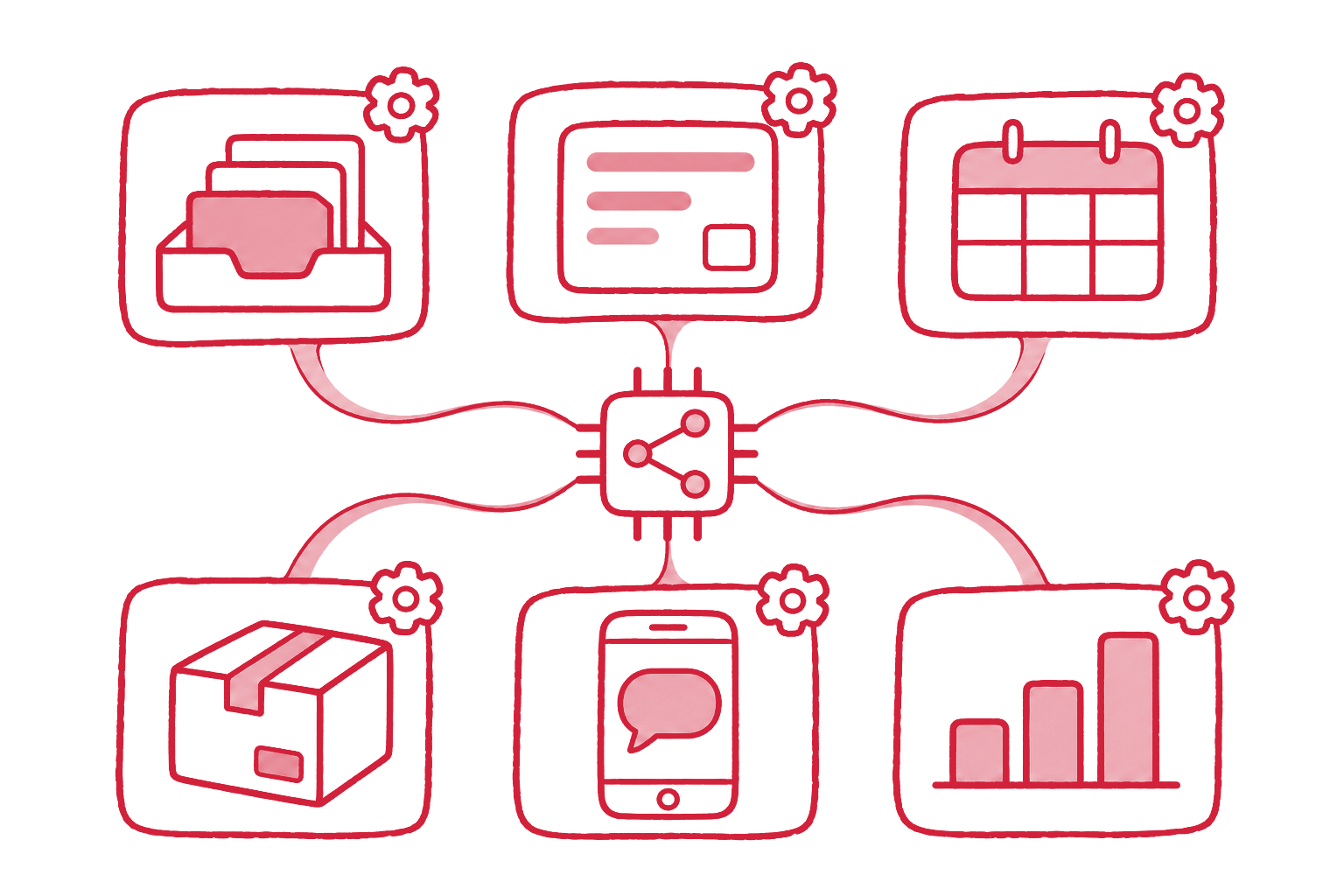
AI automation is the use of language models and related AI inside business workflows to do work that used to need a person reading, typing, or sorting: classifying email, extracting invoice data, drafting replies, writing product copy.
In a small or mid-sized business it pays off where the volume is high, the input is already digital, and the result lands in a system the business already runs.
The fifteen examples below meet that bar. Each one names the systems it connects and where a person stays in charge.
| # | Automation | Connects | Effort | Person decides |
|---|---|---|---|---|
| 1 | Inbox triage and routing | Mailbox, CRM, ticket system | Medium | Complaints, refunds |
| 2 | Reply drafts from your own knowledge | Mailbox, documents | Medium | Every send |
| 3 | Phone answering and call summaries | Phone system, CRM, calendar | High | Escalations |
| 4 | Meeting notes into the CRM | Calendar, CRM | Low | Review once |
| 5 | Invoice and receipt extraction | Mailbox, accounting | Medium | Exceptions |
| 6 | Order and delivery note matching | ERP, mailbox | Medium | Mismatches |
| 7 | Contract summaries and deadlines | Document storage, calendar | Low | Every decision |
| 8 | Lead qualification from forms | Website, CRM | Low | Hot leads |
| 9 | Quote drafts from requests | Mailbox, price list, ERP | Medium | Every quote |
| 10 | CRM cleanup and enrichment | CRM | Low | Merges |
| 11 | Product copy per channel | PIM or shop | Low | Spot checks |
| 12 | Product data mapping | Supplier files, PIM | Medium | New attributes |
| 13 | Catalog translation with your terms | PIM, shop | Low | Spot checks |
| 14 | Weekly reports in plain language | ERP, shop, analytics | Low | Read only |
| 15 | Internal knowledge assistant | Wiki, file storage | Medium | Answers cite sources |
Customer communication pays off first
Most small businesses run on email and phone. That is where AI saves the most hours, because every message has to be read by someone.
1. Inbox triage and routing. An agent reads each incoming mail, recognizes the intent (order, question, complaint, invoice), extracts order numbers and customer data, and files it where the work happens: a ticket, a CRM entry, the accounting inbox. The full pattern is in AI email triage.
2. Reply drafts from your own knowledge. The agent drafts answers from your FAQ, manuals, terms, and past replies, with the sources it used. A person reads and sends. This is retrieval-augmented generation; see what RAG is.
3. Phone answering and call summaries. A voice agent answers routine calls (opening hours, appointment slots, order status) and writes a summary of every call into the CRM. We run this on real customer calls for Deutsche Stadtmarketing.
4. Meeting notes into the CRM. Transcription plus summary turns a sales call into notes, next steps, and filled CRM fields, instead of a reminder to “write it up later”.
Documents and finance are the second wave
Paper and PDF work is repetitive, rule-bound, and easy to check, which makes it a strong second candidate.
5. Invoice and receipt extraction. Supplier invoices arrive by email; the agent extracts supplier, amounts, VAT, and line items and hands a booking proposal to accounting, for DATEV or the accounting tool in use.
6. Order and delivery note matching. Order confirmations and delivery notes are compared against the purchase order in the ERP. Matches pass through; differences in quantity or price go to a person.
7. Contract summaries and deadlines. New contracts get a one-page summary: term, notice period, price adjustments, liability caps, with the deadlines in the calendar. The decision stays with a person.
Sales runs faster with structured intake
8. Lead qualification from forms. A contact form request is enriched with public company data, matched against existing customers, scored, and routed. The first step is a form that captures the right fields; see structured intake.
9. Quote drafts from requests. A request by email becomes a quote draft with items from the price list and the customer’s terms from the ERP. Sales checks and sends.
10. CRM cleanup and enrichment. Duplicates are found, missing fields filled from public sources, and old contacts flagged. A tidy CRM is the base every other sales automation needs.
Product data is where shops win
For online shops and manufacturers, product data is the bottleneck behind every channel.
11. Product copy per channel. From the attributes in the PIM, the agent writes a shop description, a marketplace text within length limits, and a short ad line, without inventing features.
12. Product data mapping. Supplier spreadsheets arrive in a different format each time. AI maps their columns and values onto your attribute model and flags what does not fit. The groundwork is in what MDM and PIM actually solve.
13. Catalog translation with your terms. Translation with a glossary of your product terms, so “Edelstahl V4A” stays what it is.
Reporting and knowledge close the loop
14. Weekly reports in plain language. Numbers from the shop, ERP, and analytics become a short written summary: what changed, what stands out, what needs a decision.
15. Internal knowledge assistant. Staff ask where a form is, how a return works, or what the rule for a discount was, and get an answer with a link to the source document.
How to pick the first automation
The first automation should be boring and frequent. Five questions decide:
- Does it happen every day? Weekly tasks rarely repay the setup.
- Is the input digital? Email, PDF, and forms work. Paper needs a scanning step first.
- Is there a right answer? Routing an invoice has one. Choosing a strategy does not.
- Is a mistake cheap, or checked? Start where a person reviews the result anyway.
- Is there a system to write into? An automation that ends in a copy-and-paste step saves half of what it could. Connecting the systems is usually the real work.
Inbox triage and invoice extraction meet all five in most businesses, which is why they are the usual first projects.
Why AI automations fail
The failures look alike:
- No structured input. Free-text chaos in, unreliable results out.
- No integration. The AI answer ends up in a chat window and someone copies it into the ERP.
- No human gate. One wrong refund and the project is stopped.
- No measurement. Nobody counted the hours before, so nobody can show the savings after.
- Too many tools. Each department buys its own AI app; see twelve tools and no time.
FAQ
Which AI automation should a small business start with? Inbox triage or invoice extraction. Both run daily, take digital input, have a clear right answer, and end in a system that already exists.
How long does a first automation take? A focused first automation connects one input to one system. That scope keeps it in weeks rather than months. The integration, not the AI, takes most of the time.
Is AI automation GDPR compliant? It can be. Use a provider with a data processing agreement and, where needed, EU data residency; the major model APIs do not train on API data by default. Send only the data the task needs, and document the processing like any other.
Do we need our own AI model? No. Current models from the major providers handle all fifteen examples. The work is in the data, the integration, and the rules around the model.
What does it cost to run? Model costs per email or invoice are typically fractions of a cent to a few cents. The cost that matters is building and maintaining the integration.
Run the free KI-Potenzial-Check on your website or a short description of your business: it lists five to eight concrete AI and automation opportunities for your case. When one of them should become a running system connected to your CRM, ERP, or shop, we build it as business process automation with AI.
Ask an AI about this post
