Can AI agents use German websites? 1,000 tested
By Philipp Kant 5 min read
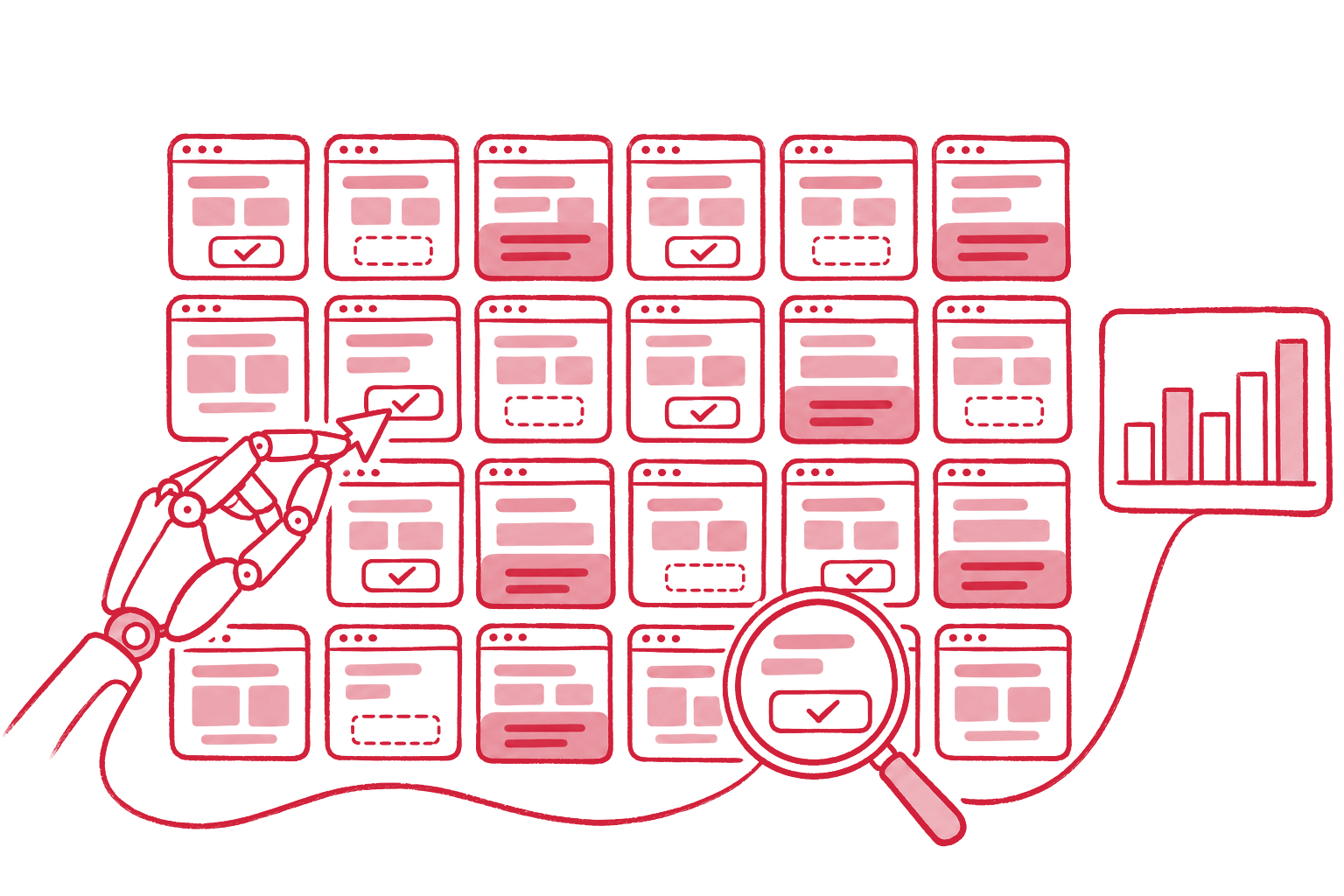
Agent readiness describes how well an AI agent acting for a person in the browser can use a website: find the controls, read their names, and use them. ChatGPT agent, Gemini in Chrome, Claude for Chrome, and Perplexity Comet work this way. They read a page through screenshots, the HTML, and the accessibility tree.
On November 8, 2026, we ran the same 1,000 German websites as in our AI visibility study (the top-ranked .de domains of the Majestic Million) through our AI Agent Readiness Check. Each homepage was opened in headless Chrome and checked the way a browser agent reads it. 930 sites could be scored. The median is 79 out of 100. The basics are often there, the details are not: only 30.5% of homepages are free of fake buttons, unnamed controls, unlabeled fields, and invisible layers.
| Finding | Share of top German websites |
|---|---|
| Fake buttons (clickable, but no button and no link) | 52.3% |
| Ten or more fake buttons | 16.9% |
| Controls without a name | 41.0% |
| A layer covers controls on load (usually the cookie banner) | 65.7% |
| Buttons without a pointer cursor (of 865 pages with buttons) | 27.6% |
| Noticeable layout shift (CLS above 0.1) | 17.3% |
| Invisible layer on top of controls | 4.1% |
| Form fields without a label (of 530 pages with a form) | 6.8% |
| llms.txt present | 6.0% |
| WebMCP tools declared | 1 site (0.1%) |
52% of websites have fake buttons
A fake button is an element that acts clickable but is not a button, a
link, or a form field: a div with a click handler, a span with a
pointer cursor, a link without a target. For people it works. An agent
reading the accessibility tree sees text there, not a control.
486 of 930 homepages have at least one, a median of
5. 16.9% have ten or more. Typical
cases are menu toggles, accordions, slider arrows, and cards made
clickable as a whole. Google’s guide
Build agent-friendly websites
puts real button and a elements first for exactly this reason.
On 66%, a layer covers the controls on load
On 611 homepages, a visible layer sits on top of controls in the first screen, usually the cookie banner or a newsletter popup. That is not a mistake: in Germany, consent has to come before the trackers load. But it is the first hurdle for every agent, which has to close the banner before it can do anything else.
That works when the banner’s buttons are real buttons with clear names
(“Reject all”, “Accept all”). It fails when the banner is built from div
elements without a role or its buttons show only icons. What a cookie
banner must do legally is in
Is your cookie banner actually GDPR compliant?.
41% have controls without a name
An agent picks a control by its name: “Add to cart”, “Search”, “Book an
appointment”. 381 homepages have buttons or links without an
accessible name, a median of 3 per page. Most
are icon buttons (search, cart, social media) without an aria-label. The
agent has to guess, and guessing means a wrong click or giving up.
Forms, on the other hand, are mostly fine. Only 6.8% of pages with a form have fields without a label.
17% shift their layout while loading
Agents that work from screenshots click where an element was a moment ago. If the layout jumps because images, banners, or ads load late, the click misses. 17.3% of homepages have a Cumulative Layout Shift above 0.1, 9.8% above 0.25. 27.6% of pages with buttons show the plain arrow on them instead of a pointer cursor, another signal Google names for recognizing controls.
Almost nobody tells agents what the page can do
WebMCP is a proposal from the Chrome team that lets a page offer its
functions to agents as tools, such as “search products” or “request a
quote”, instead of the agent hunting for buttons. Chrome has been testing
it since version 149. Exactly one site reliably declares a WebMCP tool: webwiki.de offers its directory search as a form tool (search_directory). A second one reported four tools in our run and none on two repeats; we do not count it.
An llms.txt, which tells a language model briefly what the site contains, exists on 6.0% of sites; our October study counted 5.9%. Both are preparation today, not a requirement. Those who are early stand out.
The 100 biggest websites are not more agent-friendly
Size does not buy agent readiness. The 95 scorable sites among the 100 most-linked reach a median of 79, ranks 101 to 1,000 a median of 79. Fake buttons: 56.8% of the big ones versus 51.7% of the rest; controls without a name: 30.5% versus 42.2%.
What this means for your website
The fixes are the same ones accessibility requires. A site that takes the German accessibility law seriously is almost done for agents.
- Real elements:
buttonfor actions,a hreffor routes. No clickablediv. - Names for everything: every icon gets an
aria-label, every field alabel. - A usable cookie banner: real buttons with clear names.
- A steady layout: reserve space for images and banners.
- Then WebMCP: for the two or three flows that matter, such as search, inquiry, and checkout.
Why this is more than technique: What is an agent-friendly website?.
How we measured
- Sample: the 1,000 top-ranked .de domains of the Majestic Million, the same list as in our AI visibility study of October 26, 2026.
- Check: on November 8, 2026, with the engine behind the AI Agent Readiness Check: the homepage in headless Chrome, network idle plus one second, then DOM, accessibility tree, axe-core rules, and layout shift. Cookie banners were not closed; we measure the first impression.
- Coverage: 971 homepages could be opened. 41 showed fewer than five controls (redirect or consent pages) and are not scored, leaving 930. 29 failed on DNS, certificates, timeouts, or blocks.
- Raw data: agent-readiness-german-websites-2026.csv, one row per domain.
FAQ
What is a browser agent? An AI agent that acts for a person in the browser: it opens websites, clicks, fills in forms. ChatGPT agent, Gemini in Chrome, Claude for Chrome, and Perplexity Comet work this way.
Do I need WebMCP? Not yet. It is a proposal in testing. The basics, meaning real buttons, names, and a steady layout, do more today and also help people using a screen reader.
How do I check my own website? With the free AI Agent Readiness Check: enter a URL, and after about 15 seconds you see fake buttons, unnamed controls, covering layers, and the list an agent reads.
Do I lose customers when agents cannot use my site? Few today, because browser agents are new. But they are used for research, comparison, and ordering, and an agent that fails on your site moves on to the next one.
Check your homepage with the AI Agent Readiness Check. A website that people and agents can use is what we build, at a fixed price.
Ask an AI about this post
