What is an agent-friendly website?
By Philipp Kant 6 min read
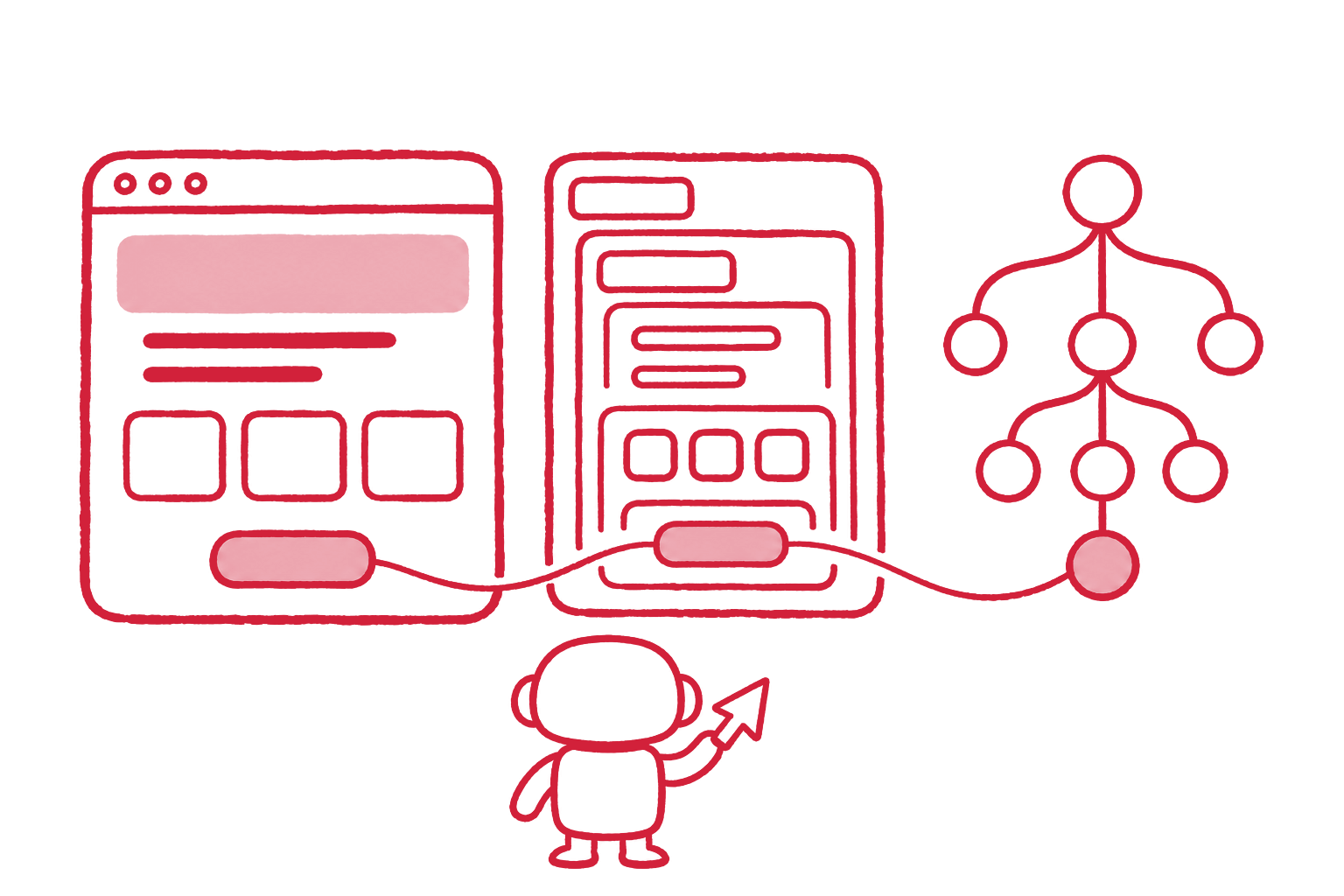
An agent-friendly website is a site that AI agents can operate on a user’s behalf: they find its controls, understand what each one does, fill its forms, and finish a task without guessing. Google’s Chrome team published the first guidance for it in April 2026, and Lighthouse has measured it since Chrome 150.
The visitors in question are browser agents such as ChatGPT agent, Gemini in Chrome, Claude for Chrome, and Perplexity’s Comet. A person says “book the 9:30 slot” or “request a quote for 200 units”, and the agent opens the site and clicks. Google lists a crawler for this, Google-Agent, “used by agents hosted on Google infrastructure to navigate the web and perform actions upon user request”.
Agents read a page three ways
Google’s guide Build agent-friendly websites (web.dev, April 2026) describes how agents perceive a page. Most combine all three and cross-check them.
| View | What the agent gets | Where it fails |
|---|---|---|
| Screenshot | Layout, size, color, position, read by a vision model | Slow and token-expensive; misses what a control does |
| HTML (DOM) | Element types, nesting, IDs, classes | A styled <div> does not say it is a button |
| Accessibility tree | Roles, names, and states, computed by the browser | Empty when controls have no name or the wrong role |
The accessibility tree is the view that decides most tasks. It is the same
structure a screen reader uses, and it reduces a page to a list like
button "Add to cart", link "Pricing", textbox "Email". A control
missing from that list, or listed without a name, is one the agent has to
guess.
Six rules from Google’s guide
Every rule is old accessibility practice. What changed is who pays when it is ignored.
| Rule | Why an agent needs it |
|---|---|
Use <button> and <a href>, not clickable divs |
Agents recognize semantic elements as interactive; a div with a click handler is invisible as a control |
Link every <label> to its field with for |
Agents fill forms by matching label text to the data they hold |
| No transparent overlays on top of controls | Visual analysis may discard elements under a “ghost” layer, and the click lands on the overlay |
cursor: pointer on clickable elements |
A visual cue that marks an element as actionable |
| Controls larger than 8 square pixels | Smaller targets get filtered out of the visual analysis |
| A layout that does not shift | A button that moves between screenshot and click gets missed |
The guide adds a seventh, newer one: declare the actions the site offers as WebMCP tools.
Lighthouse now measures agent readiness
In June 2026 the Chrome team announced an Agentic browsing category for Lighthouse, available from Chrome 150 and marked experimental. It does not produce a 0 to 100 score; it reports how many checks pass, in three groups:
- Agent-centric accessibility. Every interactive element has a programmatic name, roles and parent-child relationships are valid, and no interactive content is hidden from the accessibility tree.
- Stability and discoverability. Cumulative Layout Shift, and whether
the domain publishes an
llms.txtsummary at its root. - WebMCP integration. Registered tools, forms that lack declarative WebMCP markup, and whether the tool schemas are valid.
Chrome DevTools for agents can also replay the steps an agent would take and show the accessibility tree it reads.
WebMCP lets a site declare its own tools
WebMCP is a proposed web standard from the Chrome team. A page tells the browser which actions it offers, with a name, a description, and an input schema, so an agent calls the action instead of clicking through the interface. Chrome runs it as an origin trial from version 149.
There are two ways to declare a tool:
- Declaratively, with attributes on an existing HTML form. Chrome turns the form into a tool; its fields become the parameters.
- Imperatively, with
document.modelContext.registerTool()in JavaScript, for actions that are not a single form.
Every tool form on kant.dev carries the declarative markup. The Website Speed Check form, shortened:
<form toolname="checkWebsiteSpeed"
      tooldescription="Test page speed in a real browser: Core Web Vitals,
        page weight, and third-party cost for mobile and desktop."
      toolautosubmit>
  <input name="url"
         toolparamdescription="The public web page or website to check.">
  <button type="submit">Check speed</button>
</form>
toolautosubmit lets the agent submit the form once it has filled it.
Without it, the browser fills the fields and waits for the submit. Leave
it off on forms that buy, book, or send something, so a person confirms.
What agent readiness means for a shop or a lead form
For most companies the agent-facing pages are few: search, product pages, the quote or contact form, booking, checkout. Those are also the pages where a broken control costs money.
- A fake button ends the task. If “Request quote” is a div, an agent that cannot identify it reports back that the site offers no way to ask. The buyer moves to the next supplier the agent found.
- Unlabeled fields get wrong data. An agent that cannot tell the delivery date field from the order date field fills the wrong one, or stops.
- Consent banners are the first obstacle. Every European site makes the agent dismiss a banner before it can act. Real, named buttons in the banner make that one click; a banner built from divs can end the visit.
- Speed and stability count twice. Layout shift already costs Core Web Vitals; for agents it also costs misclicks.
Agents do not replace search traffic; they add a new kind of visit that either completes or fails. The AI search side, whether ChatGPT and Perplexity can read the content at all, is a separate question; see can AI crawlers read JavaScript.
How to check a site in two minutes
- Run the free AI Agent Readiness Check on the page that matters most. It reports fake buttons, unnamed controls, missing labels, invisible overlays, layout shift, WebMCP tools, and llms.txt, and lists the first controls of the accessibility tree as an agent reads them.
- Open Chrome DevTools, Elements panel, Accessibility tab, and look at the tree for the checkout or the form. Every control should have a role and a name you would understand without seeing the page.
- Run Lighthouse with the Agentic browsing category in Chrome 150 or later.
- Fix the semantic controls first. They also fix most accessibility findings, which matter in the EU anyway; see the best free accessibility checkers.
FAQ
Is an agent-friendly website the same as an accessible one? Mostly. Semantic controls, names, labels, and a valid accessibility tree serve screen readers and agents alike. Agents add two concerns: invisible overlays and layout shift, which break screenshot-based clicking, and WebMCP, which no assistive technology uses.
Do I need WebMCP now? Not yet. It is an origin trial in Chrome, and the attribute names may still change. Adding the declarative attributes to two or three key forms takes an hour and costs nothing if the standard moves; the semantic fixes come first.
Do AI agents respect robots.txt? Google documents that its user-triggered fetchers, Google-Agent among them, generally ignore robots.txt, because a person asked for the visit. robots.txt governs crawling, not an agent acting for a user.
Does agent readiness affect SEO? Not as a ranking factor. The fixes overlap with what search already rewards (fast, stable, semantic pages), and they decide whether an agent sent by a search result can finish the job.
What is llms.txt? A proposed Markdown file at the root of a domain that summarizes the site and links its key pages for language models. Lighthouse’s Agentic browsing category checks for it; kant.dev’s is generated from the site’s own content.
Check your own page with the free AI Agent Readiness Check. Making shops, forms, and booking flows work for the agents acting on your customers’ behalf is part of what we build.
Ask an AI about this post
