9 product data errors AI agents catch
By Philipp Kant 4 min read
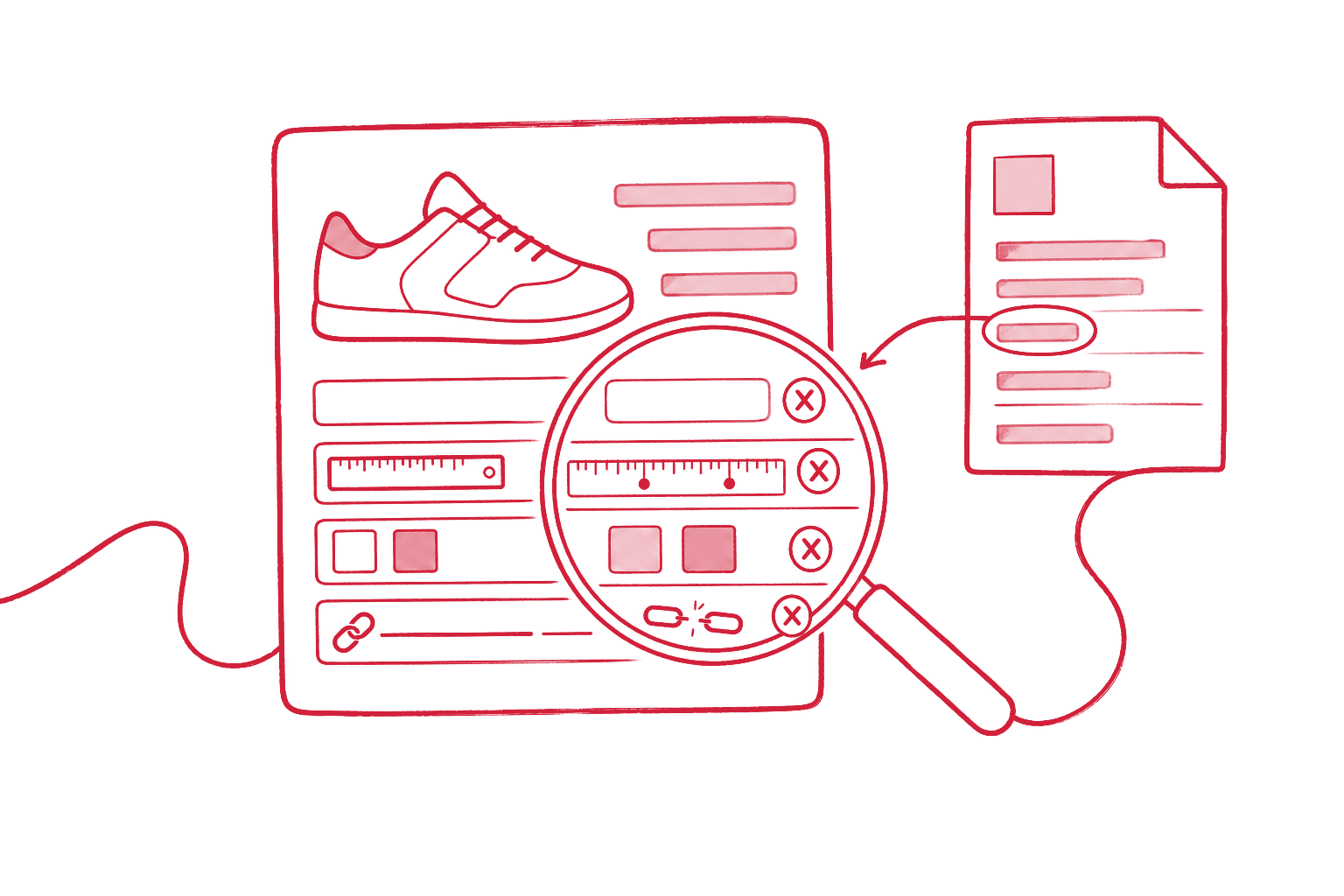
A product data error is a value in the PIM or ERP that is missing, wrong, or contradicts another value, so that shop, marketplace, or catalog shows a wrong picture of the product. Rules in the PIM find some of them, such as empty required fields. An AI agent also finds the errors that are formally valid but untrue: a weight that does not fit the size, or copy that says something other than the attribute.
The nine errors at a glance
| # | Error | Found by a rule? | Found by an agent? |
|---|---|---|---|
| 1 | Missing required values | Yes | Yes, and proposes the value with a source |
| 2 | Mixed units | Partly | Yes |
| 3 | Copy contradicts attribute | No | Yes |
| 4 | Inconsistent values across variants | Partly | Yes |
| 5 | Implausible values | Only with thresholds | Yes |
| 6 | Discontinued items without successor | Partly | Yes |
| 7 | Duplicates under another number | Rarely | Yes |
| 8 | Wrong classification | No | Yes |
| 9 | Broken or wrong media | Partly | Yes |
1. Missing required values
Weight, dimensions, material, protection rating: values that the shop, shipping, or a customer needs are missing. A PIM rule reports the empty field. The agent goes one step further: it looks the value up in the data sheet, the installation manual, or the manufacturer’s website and proposes it, with the source and page. In most product data projects this is the job that costs the most manual work.
2. Mixed units
Length is in millimeters here and centimeters there, weight in grams or kilograms, sometimes without a unit. The agent tells from the value and the product which unit is meant (a screw does not weigh 12 kilograms) and proposes the conversion into the unit your data model uses.
3. Copy contradicts attribute
The attribute says “IP44”, the description says “splash-proof to IP65”. The attribute says “stainless steel”, the headline says “galvanized”. No field rule catches this, because each field is valid on its own. An agent reads copy and attributes together and reports what conflicts, with both places side by side.
4. Inconsistent values across variants
The color is “schwarz” on one variant, “Schwarz” on the next, “black” on the third, and “RAL 9005” on the fourth. For the shop filter, that is four colors. The agent groups values that mean the same and proposes the single value from your value list.
5. Implausible values
A weight of 0, 20,000 watts for a desk lamp, a length ten times larger than every sibling in the range. Fixed thresholds catch only the crude cases. The agent compares with similar products and with what is plausible for this product, and flags outliers with a reason.
6. Discontinued items without successor
An item is discontinued but still in the shop, or it is blocked but nobody linked the successor. The agent finds the likely successor through name, attributes, and manufacturer information and proposes the link.
7. Duplicates under another number
The same item exists twice: once with the manufacturer’s number, once with an internal number from an old import. The agent recognizes duplicates by attributes, images, and name, even with different spelling, and proposes which record stays.
8. Wrong classification
The item sits in the wrong category or has the wrong ETIM or ECLASS class. Then it lacks the matching attributes and lands in the wrong shop filter. The agent reads name and attributes and proposes the right class.
9. Broken or wrong media
The data sheet link goes nowhere, the image shows another variant, the installation manual belongs to the previous model. A rule only checks that the file loads. The agent also checks that it fits the product.
How the agent checks without doing damage
- It reads, it does not write. The agent has read access to the PIM. Every fix is a proposal.
- Every proposal has a source. Data sheet, page, manufacturer link, or the rule the value breaks.
- A person confirms. The product data team works through the proposals in batches, and only then does the PIM save.
- The error rate is measured. How many proposals were accepted? Only when the rate stays high for weeks can simple cases be applied automatically.
Why this work comes before any other AI project is in What MDM/PIM actually solves. What bad data means for AI shopping assistants is in Product data for AI shopping.
FAQ
How do I find out how bad our product data is? With an export and a check against your required fields and rules. The free Product Data Check gives a first look: upload a CSV, see completeness and anomalies.
Won’t an AI agent just make values up? It must not. That is why it only proposes values it found in a source, and names the source. Without one, it reports the gap instead of filling it.
Do we need a new PIM for this? No. The agent works with the PIM you have, through its interface or an export. A new PIM does not fix bad data.
How long does such a cleanup take? That depends on the number of items and the sources. The agent makes the lookup fast; your team’s approvals set the pace.
Check your catalog with the free Product Data Check. An agent that checks and completes your product data continuously is what we build, at a fixed price, along with the PIM implementation and product data migration underneath.
Ask an AI about this post
