What does your link look like when shared?
Enter a URL. See the preview card your page produces on LinkedIn, X, WhatsApp, and Google, and what to fix so people click it.
Checks one public page and its preview image. No signup, nothing stored.
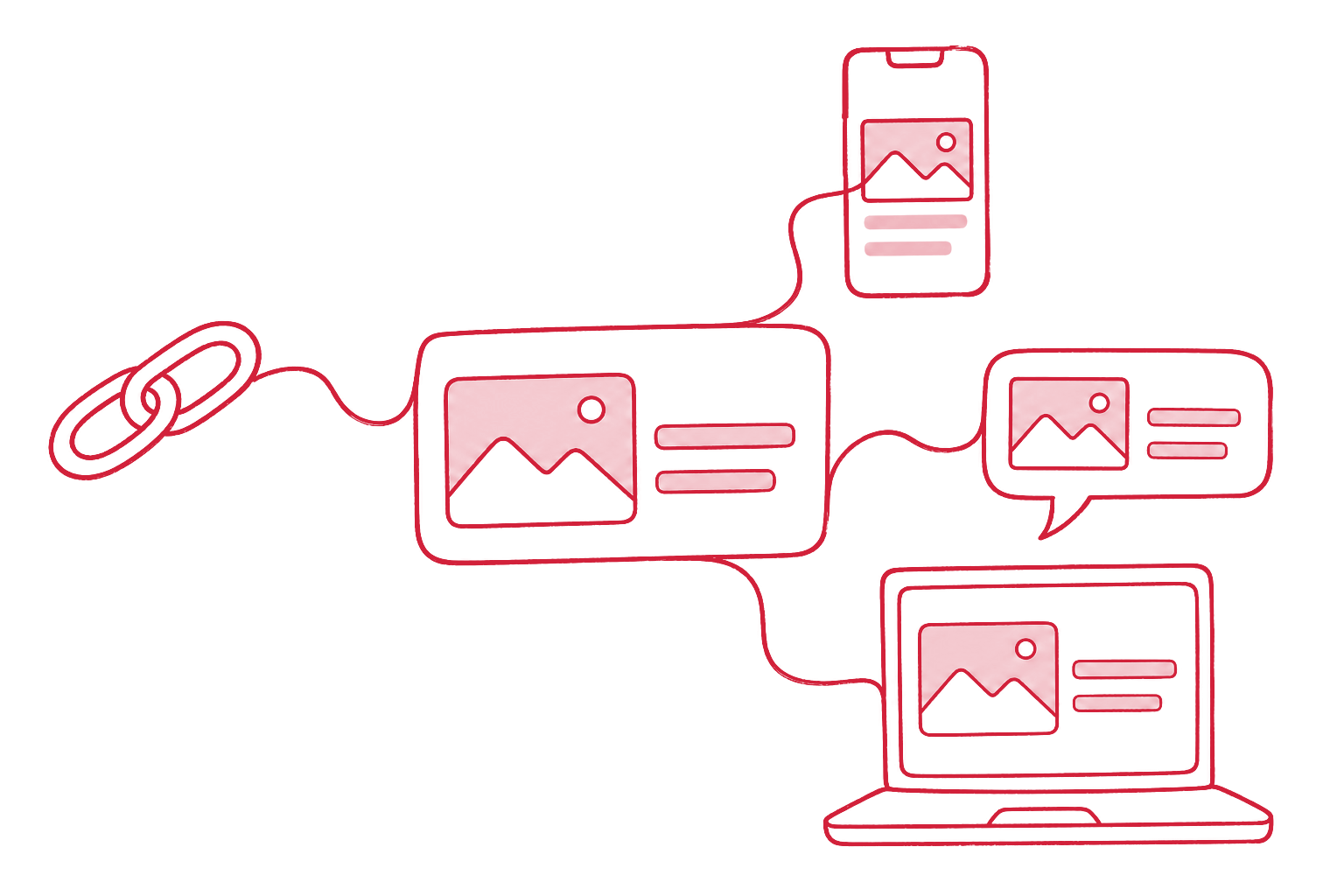
What this checks
The card, four times
Mock previews for LinkedIn, X, WhatsApp / Slack, and Google, built from the tags those platforms read.
The image, measured
We download the preview image and read its real format, pixel size, aspect ratio, and file weight.
Every tag that matters
og:title, og:description, og:image, og:url, twitter:card, site name, alt text, and the fallbacks platforms use when they are missing.
Every page, ready to share.
We build sites whose pages carry their own share cards, structured data, and clean metadata, generated, not hand-maintained.
Questions about the Social Preview Check
What are Open Graph tags?
Meta tags such as og:title, og:description, and og:image that tell LinkedIn, Facebook, WhatsApp, Slack, and others what to show when someone shares a link. X reads its own twitter: tags and falls back to Open Graph.
What size should a preview image be?
1200 × 630 pixels, a 1.91:1 landscape ratio, works on every major platform. Below 600 × 315 most platforms show a small thumbnail or nothing. Keep the file under 1 MB in JPG or PNG; around 300 KB is safe for WhatsApp.
Why does LinkedIn still show the old preview?
LinkedIn, Facebook, and others cache previews. After fixing the tags, ask the platform to fetch the page again: LinkedIn's Post Inspector and Facebook's Sharing Debugger both re-scrape a URL.
Does my browser contact the checked site?
No. Our engine fetches the page and the image. Images up to 900 KB come back inline, so the preview cards render without your browser loading anything from that site.
From the blog
- The best free Open Graph checkers, ranked
A vendor-neutral ranking of free Open Graph checkers and link preview testers for LinkedIn, Facebook, X, and WhatsApp, and what each one misses.
